Pseudo-Elements & the Content Property
Master CSS Pseudo-Elements for Dynamic Content Creation
CSS Pseudo-Elements Fundamentals
Virtual Elements
Pseudo-elements create fake elements that render content without adding HTML markup. They're perfect for decorative content and styling enhancements.
Content Property
The content property defines what appears in pseudo-elements. It can include text, special characters, and even empty strings for styling hooks.
Before and After
The most common pseudo-elements that insert content before or after an element's existing content, ideal for icons and decorative elements.
While HTML is the standard way to add content, CSS pseudo-elements are powerful for decorative elements, icons, and styling enhancements that shouldn't clutter your markup.
Exercise Setup Checklist
Prevents confusion when working with multiple projects
Located in Desktop > Class Files > Advanced HTML CSS Class
Chrome DevTools will be essential for inspecting pseudo-elements
These links will be our target for pseudo-element styling
Creating Your First Pseudo-Element
Target the Element
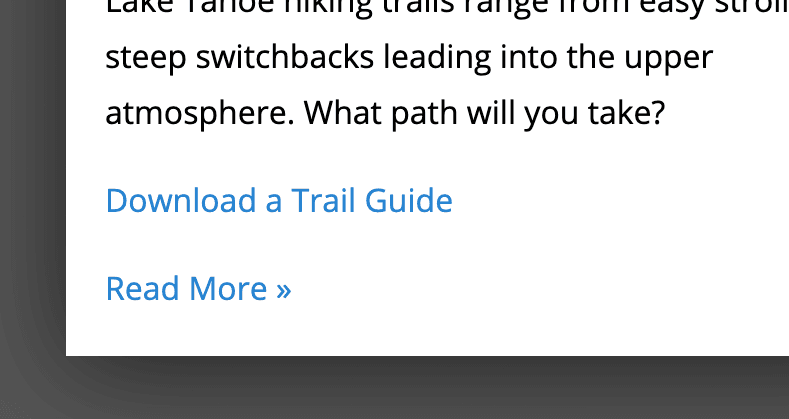
Use the .read-more class to select the links that need enhancement.
Add Pseudo-Element Selector
Use ::before to create a virtual element that renders before the existing content.
Define Content Property
Add the content property with your desired character or text, including proper spacing.
Test and Adjust
Switch between ::before and ::after, adjust spacing and characters as needed.
To type the » character: Mac users press Opt-Shift-\, Windows users hold ALT and type 0187 on the numeric keypad.
Pseudo-Class vs Pseudo-Element
| Feature | Pseudo-Class | Pseudo-Element |
|---|---|---|
| Syntax | Single colon (:) | Double colon (::) |
| Purpose | Styles element states | Styles specific parts |
| Examples | :hover, :first-of-type | ::before, ::after |
| Content Property | Not applicable | Required for visibility |
While single colon syntax works for older pseudo-elements like :before and :after, new pseudo-elements require double colons. Always use double colons for consistency.
Common Pseudo-Elements and Pseudo-Classes
Pseudo-Classes
Target element states like :hover for mouse over, :first-of-type for first elements, and :not for exclusions.
Pseudo-Elements
Style element parts like ::first-letter for drop caps, ::first-line for paragraph styling, and ::before/::after for content injection.
Key Takeaways