Quickly Switch between Tabs in Sublime Text
Tab Switching Shortcuts
Next/Previous Tab
Cmd-Option-Right/Left (Mac) or Ctrl-PgUp/PgDn (Windows).
Cycle Recent Tabs
Ctrl-Tab cycles to the most recently used tab.
Goto Anything
Cmd-P (Mac) or Ctrl-P (Windows) — type filename to jump to any open file.
Numbered Tabs
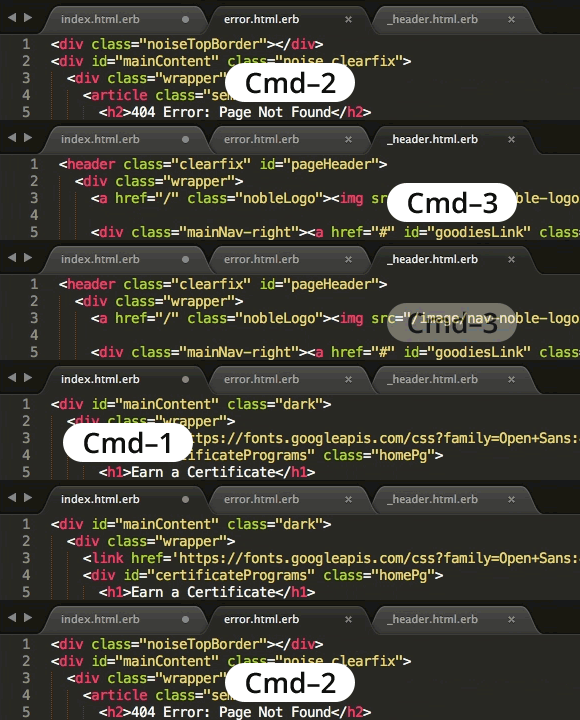
Cmd-1 through Cmd-9 (Mac) or Ctrl-1 through Ctrl-9 (Windows) jumps to specific tab positions.
Master Web Development at Noble Desktop
Noble Desktop's Full-Stack Web Development Certificate covers HTML, CSS, JavaScript, and the modern web stack.
Use Cmd (Mac) or Alt (Windows) with the number keys 0–9 to switch between tabs in Sublime Text. For example hit Cmd–2 (Mac) or Alt–2 (Windows) to switch to the second tab.
You can also use Ctrl–Tab (Mac and Windows) to cycle through your tabs.