Quickly Delete a Word in Any Text Editor
Hit Option–Delete (Mac) or Ctrl–Backspace (Windows) to delete the word to the left of the cursor. This is an operating system feature so it should work in any text editor.
This same technique can be also be used in the opposite direction. Hit Option–Fn–Delete (Mac) or Ctrl–Delete (Windows) to delete the word to the right of the text cursor.
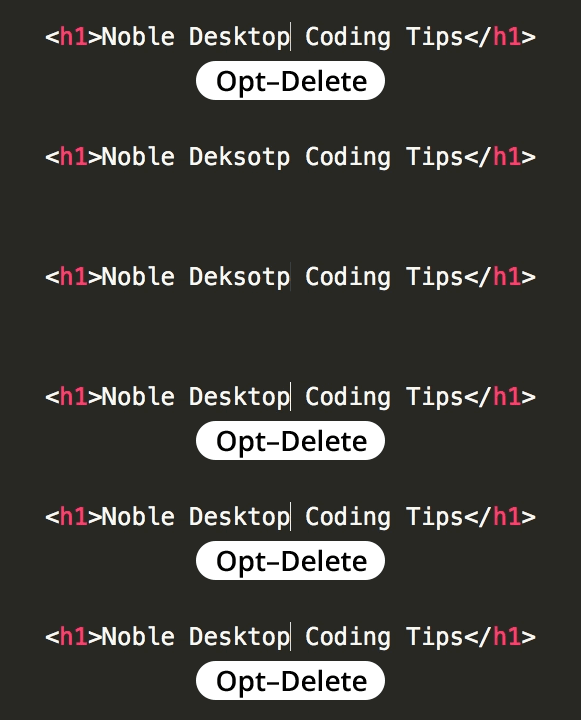
Hit Option–Delete (Mac) or Ctrl–Backspace (Windows) to delete the word to the left of the cursor. This is an operating system feature so it should work in any text editor.
This same technique can be also be used in the opposite direction. Hit Option–Fn–Delete (Mac) or Ctrl–Delete (Windows) to delete the word to the right of the text cursor.