Expanding Map Possibility with Spatial Files in Tableau
Working with GIS Files in Tableau
Supported Formats
Shapefiles, MapInfo TAB, KML (Keyhole Markup Language), GEOJSON.
Where to Find
Government data portals — ESRI Open Data, Naturalearthdata, OpenStreetMap, Terra Populus.
Bundled Files
Shapefiles need .shp, .shx, and .dbf together — download the whole folder.
How to Connect
Connect → Spatial file in the menu, then browse to the file.
Noble Desktop's Data Analytics Certificate covers Tableau alongside SQL, Excel, and Python.
Explore how you can create comprehensive and informative maps in Tableau using GIS files, offering numerous possibilities for your data mapping and visual analysis.
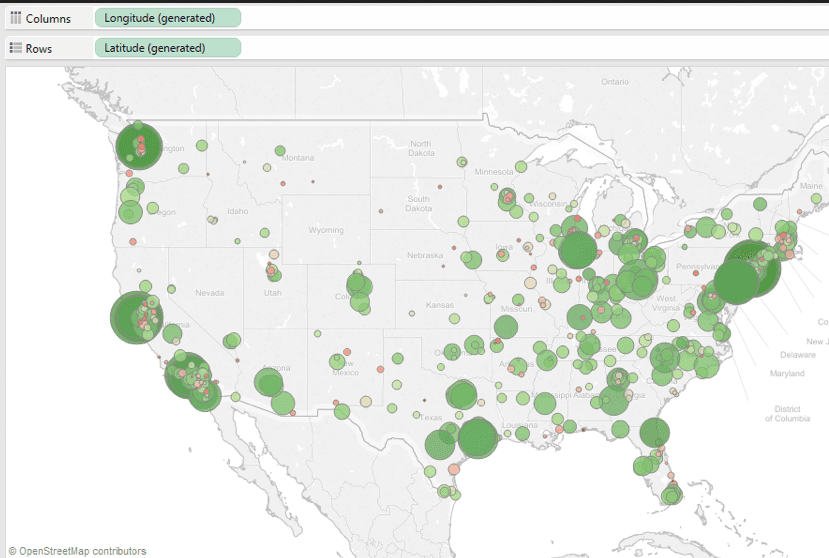
We have seen in a previous article that it is possible to create maps in Tableau using various methods. Your starting point will always be that Tableau will need to know the geographical coordinates of what is actually drawn on your map, be it a city, the location of a building, or any geographic place of importance for your data mapping.
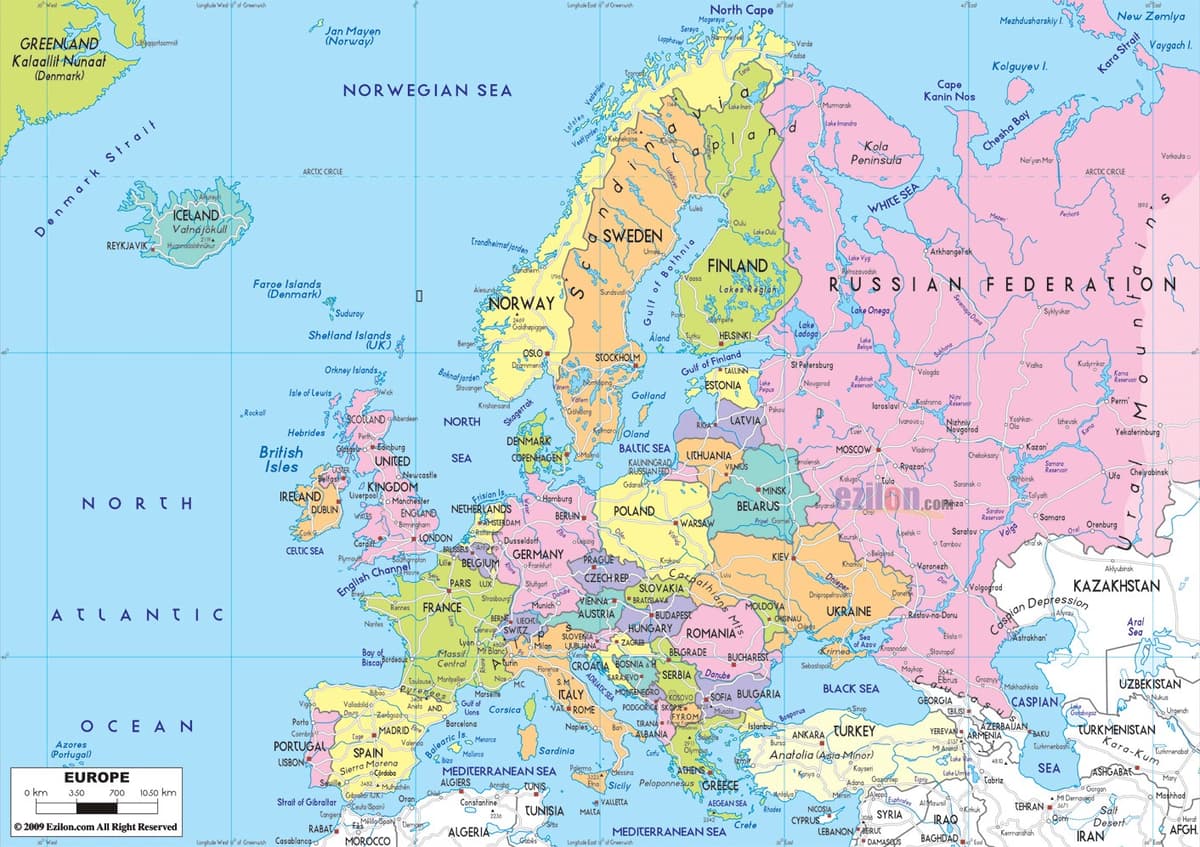
As a result, and in many cases, you may not need to download a detailed map to start your visual analysis. For instance, a map like the one below shows too much irrelevant information like cities and rivers. A simpler one with an outline of countries will be easier to use to overlay your data, and that’s where the integration of GIS files in Tableau becomes handy.
Using Spatial Files
Tableau can create maps using spatial files which are GIS files. For those not familiar with GIS files, this type is the standard file format used by most organizations that create maps, which makes GIS files widely available.
Note: Tableau will accept the following types of GIS files:
- Shapefiles;
- MapInfo TAB files;
- KML (Keyhole Markup Language) files;
- GEOJSON files.
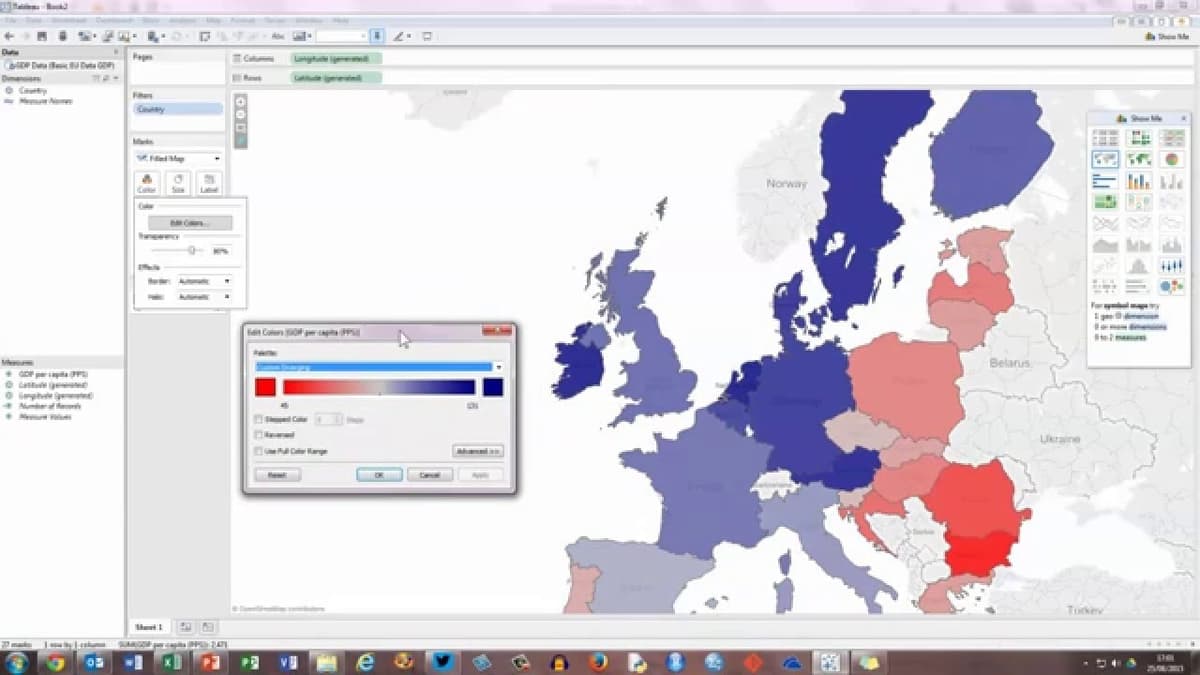
GIS files represent a map using lines, points, and polygons to define an area on the map such as lakes, park boundaries, city boundaries, etc.… In Tableau, you can use the polygons to map data on the area itself, like in the example below.
Connecting to Your Spatial File
The process of connecting to your map data file is the same as with other file types:
By going to Connect >Spatial filein the menu connect.
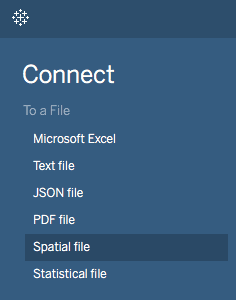
And browsing to the location of your files.
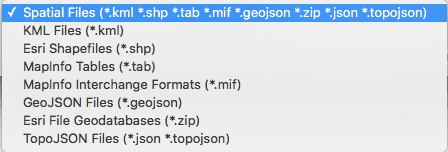
As soon as Tableau reads the file, it converts it to latitude and longitude coordinates and creates a Geometry field. You can then double-click the Geometry field to display the download map in Tableau.
Adding Your Data to the Map
Depending on the type of map you wish to create, you will proceed differently. For a choropleth map, this is done by dragging your data field onto the color mark card. Here we used red as an example.
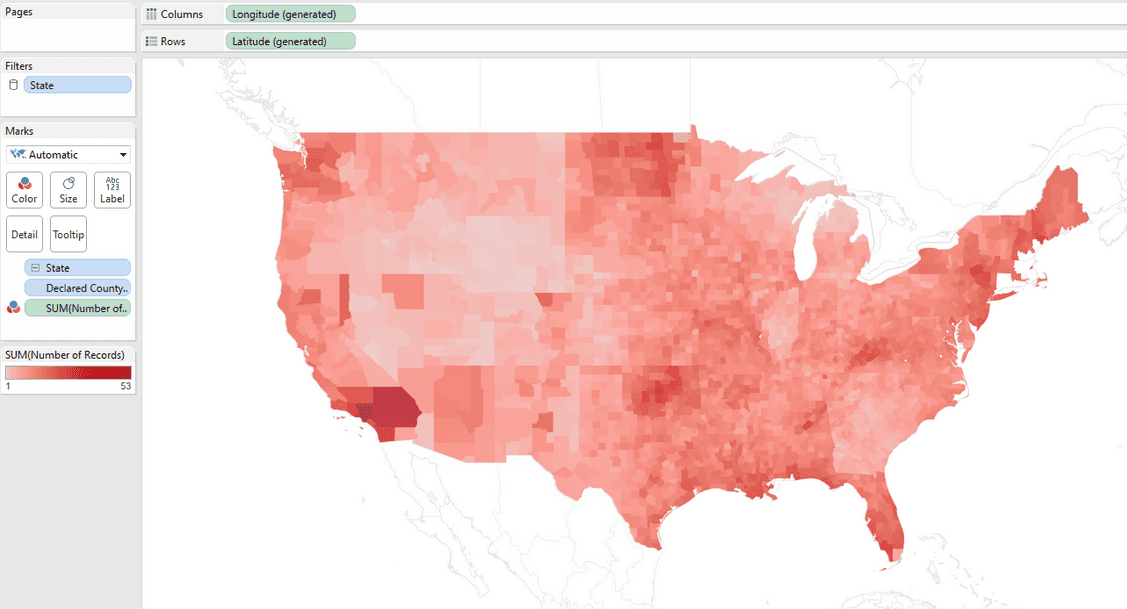
You can then edit your color and choose between a monochrome palette to represent your data. In other cases, if your data presents negative values, you will want to use a diverging color palette.
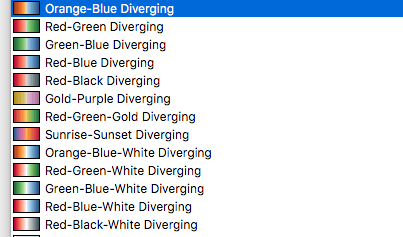
Tableau goes further by allowing you to choose the number of steps, which could be your number of individual polygons…
![Screenshot of the 'Edit Colors [Grand Total 2014]' dialog box in Tableau (or a similar tool), showing a red color palette with stepped color set to 5 steps, an option to reverse the color range, and basic controls for applying or resetting changes.](/_next/image?url=%2Fimages%2Findividual-polygons.png&w=1200&q=75)
…and the range of values to narrow the scope of analysis from within your visualization.
![Screenshot of the same 'Edit Colors [Grand Total 2014]' dialog box with advanced options expanded, displaying start and end values (0 to 2,502) for the red color palette, a center value of 1,000, and the stepped color option set to 5 steps.](/_next/image?url=%2Fimages%2Fedit-colors.png&w=1200&q=75)
This is particularly useful since you can see your values changes on your map as you edit the color panel, unraveling geographic patterns for your data.
In other approaches, you might use the size card to map your data.